Business · Guide
Sending deliveries in bulk for your business
A team account, three ways to send, and one place to track every delivery your business makes.
If your business delivers to customers across Harare, booking each delivery by hand soon takes over the day. When Go-Deliver opens, businesses will get a team account built for sending often, with ways to send many deliveries at once and to track them all together.
This guide explains how it will work, and how to get your business ready.
A team account for your business
Your business gets one account that your team shares. The people who pack and send orders can book deliveries for the business, and every delivery your team books is kept together, rather than spread across personal phones.
Three ways to send
- One at a time Book a single delivery, just as a customer would. Good for the odd urgent order.
- In bulk Send many deliveries in one go, instead of booking each one separately.
- From your own system Connect your online shop or order system, so deliveries are requested without retyping them.
Most businesses will use a mix: bulk for the day’s orders, one at a time for anything that comes in later.
Track them all in one place
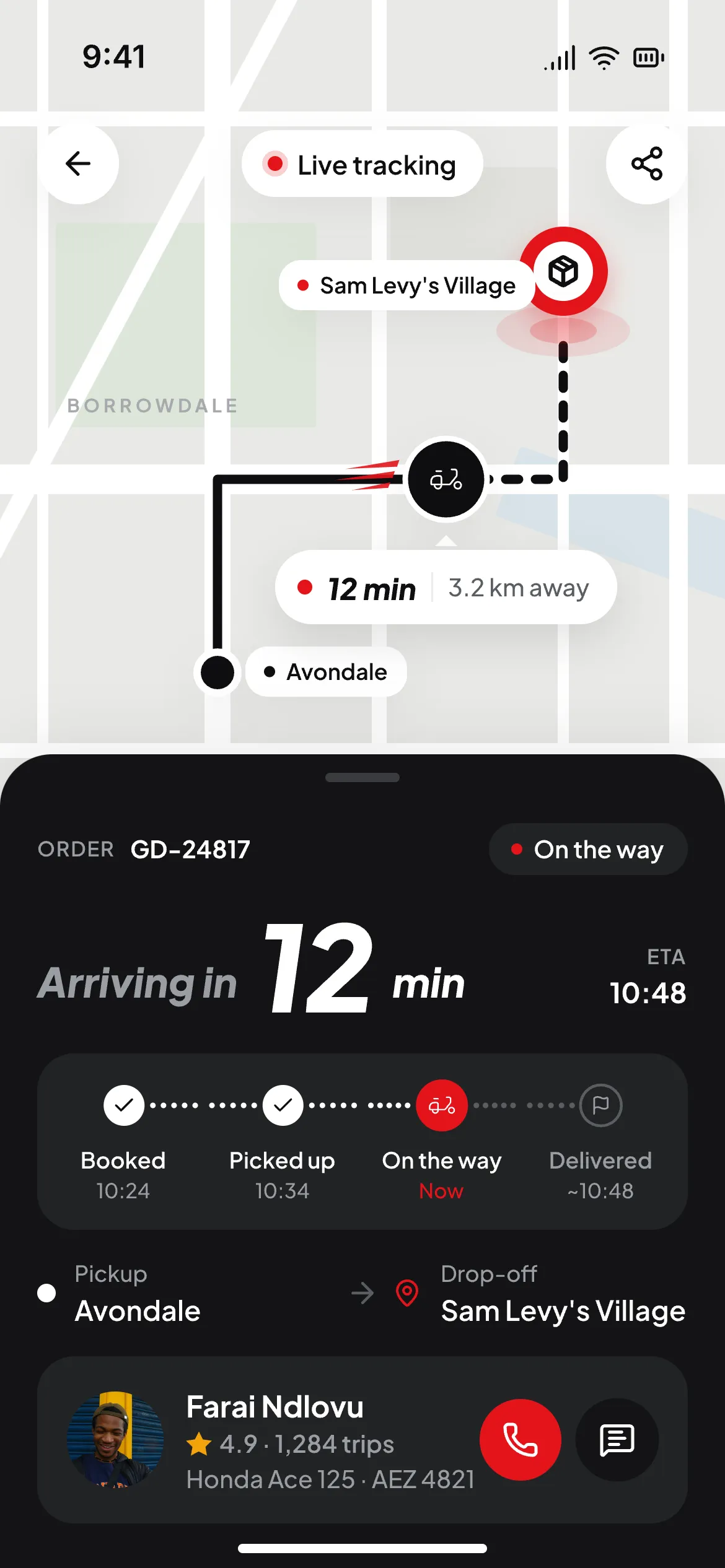
Every delivery your business sends shows up together, so you can see at a glance what’s waiting for a rider, what’s on the way and what’s been delivered. Each one has proof of delivery, a photo and a signature, so when a customer asks where their order is, you can answer straight away.
Share the tracking link with your customer too. A customer who can watch their order arriving is far less likely to call you asking where it is.
Good to know Your business gets statements that bring your deliveries together, so reconciling at the end of the month doesn’t mean digging through receipts.
Getting your orders ready for bulk sending
Bulk sending works best when the information going in is clean. Before you send a batch, check each order has:
- The customer’s full name and a phone number that’s on. The rider may need to call when they’re close.
- A clear drop-off address with a landmark. “Stand 42, white gate opposite the school” beats a street name alone. Our guide on writing a drop-off address riders can find has more tips.
- The right parcel size. Measure parcels once packed, so each one fits the rider’s box.
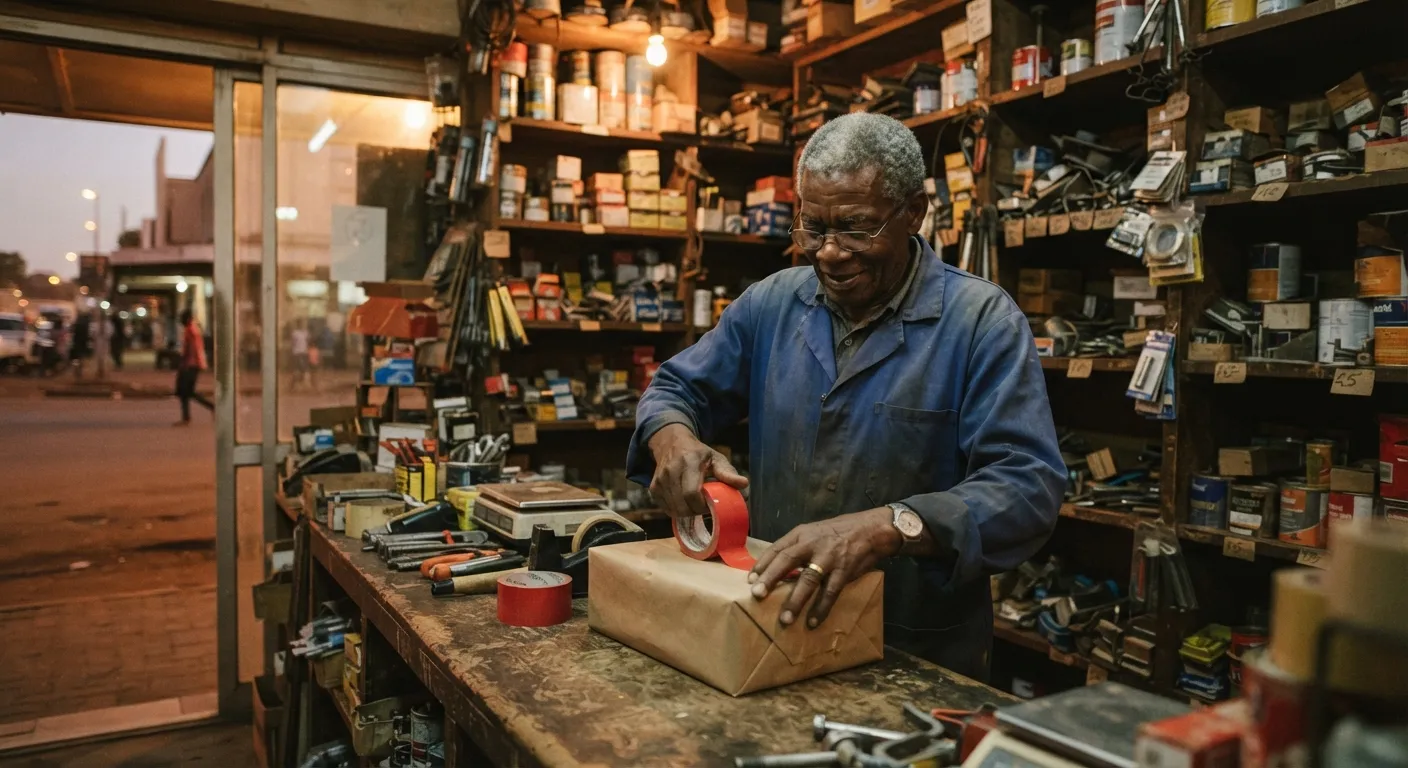
- A label on the parcel itself with the customer’s name and order reference, so the right parcel goes to the right person.
Make the pickup quick
When several parcels are being collected from your shop or warehouse, a little organisation saves a lot of time.
- Pack and label everything before you send the batch. A rider waiting while orders are packed is time lost.
- Keep ready parcels in one place, away from orders that aren’t ready.
- Tell whoever’s at the counter that riders are coming and which parcels to hand over.
- Pack well. Our guide on how to pack a parcel so it arrives safely applies to every order you send.
Paying
Deliveries can be paid by EcoCash, card or cash, and you see the price before you confirm. With statements for your account, you have one clear record of what your business has sent. Read paying by EcoCash, card or cash for the details of each option.
Connecting your own system
If your business already runs an online shop or an order system, you’ll be able to send delivery requests straight from it. That means no copying addresses from one screen to another, and fewer mistakes. If you’d like to connect when we open, tell us when you join the waitlist so we can talk to you about it.
Get your business on the list
Go-Deliver is launching in Harare soon. Join the waitlist as a business and we’ll be in touch about setting up your team account.