Paying · Guide
Paying by EcoCash, card or cash
Three ways to pay, one rule that never changes: you see the full price before you confirm.
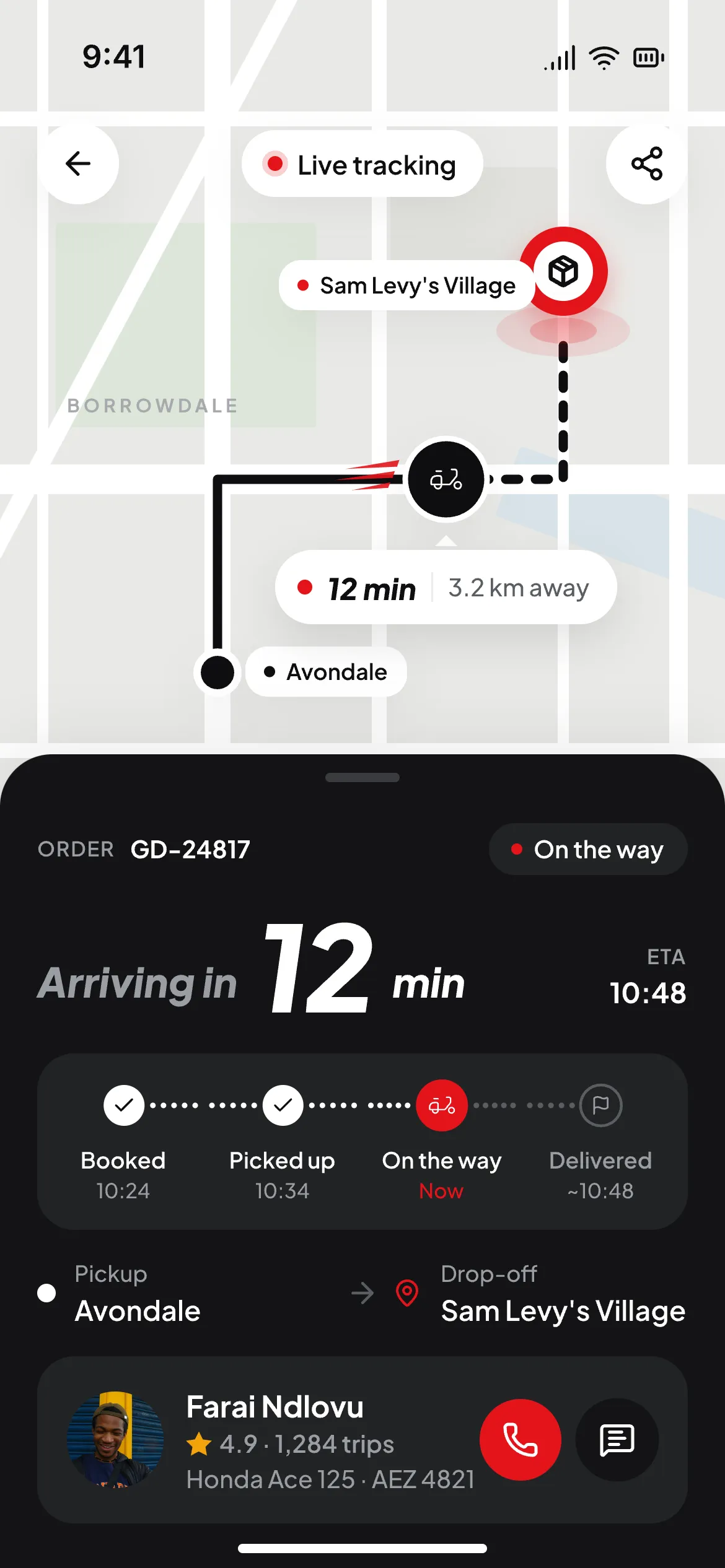
When Go-Deliver opens in Harare, you’ll be able to pay for a delivery by EcoCash, by card or in cash. This guide explains how each option will work and how to avoid the small problems that slow a delivery down.
You see the price first
Every booking starts with the pickup, the drop-off and the parcel size. From those, the app works out the price and shows it to you in full before you confirm. You don’t agree to anything until you’ve seen what it costs.
The price you confirm is the price of the delivery. If the price isn’t right for you, simply don’t confirm.
Choosing how to pay
- Book the delivery Add the pickup and drop-off, and choose the parcel size.
- Check the price The full price is shown before you confirm.
- Pick a payment method EcoCash, card or cash.
- Confirm For EcoCash and card you pay in the app. For cash, you pay the rider.
Paying by EcoCash
EcoCash is the simplest choice if you already use it every day. Choose EcoCash when you confirm, approve the payment on your phone, and the booking goes through.
A few tips:
- Check your balance first. A payment that fails for lack of funds means starting again.
- Keep your phone with you. You’ll need it to approve the payment, so don’t book from a phone that’s charging in the other room.
- Use the number you’ll approve on. If you pay from a different line to the one you booked on, make sure that phone is in your hand.
Paying by card
If you’d rather pay by card, choose card when you confirm and enter your details in the app. Your bank may ask you to approve the payment, for example with a code. Card works well for people who send often, and for businesses who want every delivery on the same card.
Never share your card details, PIN or any code your bank sends you with a rider or with anyone who calls claiming to be from Go-Deliver. We will never ask for them.
Paying in cash
Cash is there for anyone who prefers it. You choose cash when you book and pay the rider in person.
- Have the exact amount ready. Riders may not be able to give change, and searching for it keeps everyone waiting.
- If the receiver is paying, tell them. When cash is being paid at the drop-off, make sure the receiver knows the amount and has it ready before the rider arrives.
- Pay only what the app shows. The price you confirmed is the price. If anything seems wrong, contact us rather than paying more.
Good to know Whichever way you pay, the booking and its price stay in your delivery history, so you can check what you paid for any delivery later.
Which one should you choose?
There’s no wrong answer. Pick the method that suits the delivery:
- EcoCash if you want to pay quickly from your phone.
- Card if you send often or want deliveries on one card.
- Cash if you’d rather pay in person.
For businesses
Businesses that send regularly will get a team account, so the people on your team can book deliveries for the business, and statements that bring the deliveries together in one place. Read sending deliveries in bulk for your business to find out more.
If a payment doesn’t go through
If a payment fails, the delivery isn’t booked. Check your balance or card, and try again. If money left your account and the booking didn’t appear, contact us with the details and a person will help.
Be ready to pay your way
Go-Deliver is launching in Harare soon. Join the waitlist to hear the moment you can book. Then see how to send a parcel in Harare for the whole journey, from booking to proof of delivery.