Riders · Guide
What riders need to get started
How riding with Go-Deliver will work, from your application to your first completed job, and the habits that make a good rider.

Go-Deliver riders collect parcels from people and businesses across Harare and deliver them to the door. You’ll use the Go-Deliver Rider app to get job offers, find your way, and record each handover.
Go-Deliver hasn’t opened yet. This guide explains how riding will work, so you know what to expect when you apply.
How it works, step by step
- Apply Tell us about yourself and the vehicle you ride.
- Get verified We check every rider before they can take a job.
- Go online and get job offers Each offer shows you the pickup and drop-off before you decide.
- Accept or decline Take the jobs that suit you. You’re free to decline.
- Navigate and collect The app guides you to the pickup, and you confirm when you’ve collected the parcel.
- Deliver and record proof Hand it over, then record proof of delivery in the app.
Applying and getting verified
Every rider is verified before they can accept a job. Customers hand over their parcels knowing the person collecting them has been checked. That trust is what makes the work possible.
When applications open, the app will tell you exactly what we need from you to complete verification. Make sure the details you give are accurate and match your documents, because anything that doesn’t match will slow your application down.
Job offers: your choice
When a customer books a delivery near you, you may get a job offer. The offer shows where the pickup and drop-off are, so you can decide whether it suits you. Accept it and the job is yours. Decline it and it goes to another rider.
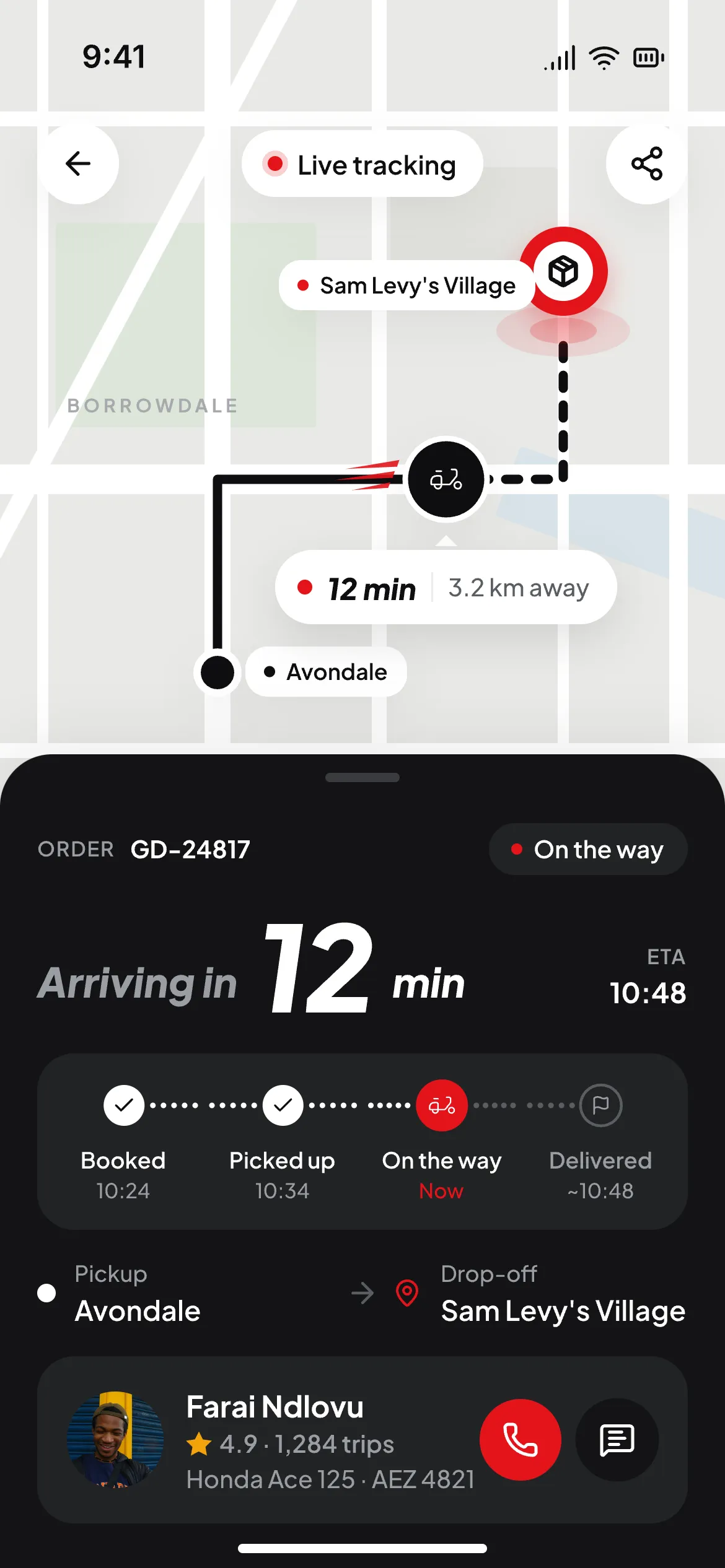
Good to know The customer sees you on the map from the moment you’re on the way, along with an arrival estimate. Keeping your location on while you’re working helps them be ready at the gate.
At the pickup
The app guides you to the pickup address. Read the customer’s note: it often has a landmark, a gate colour or the right entrance. If you can’t find the place, call the customer before you start guessing.
Before you leave, check the parcel:
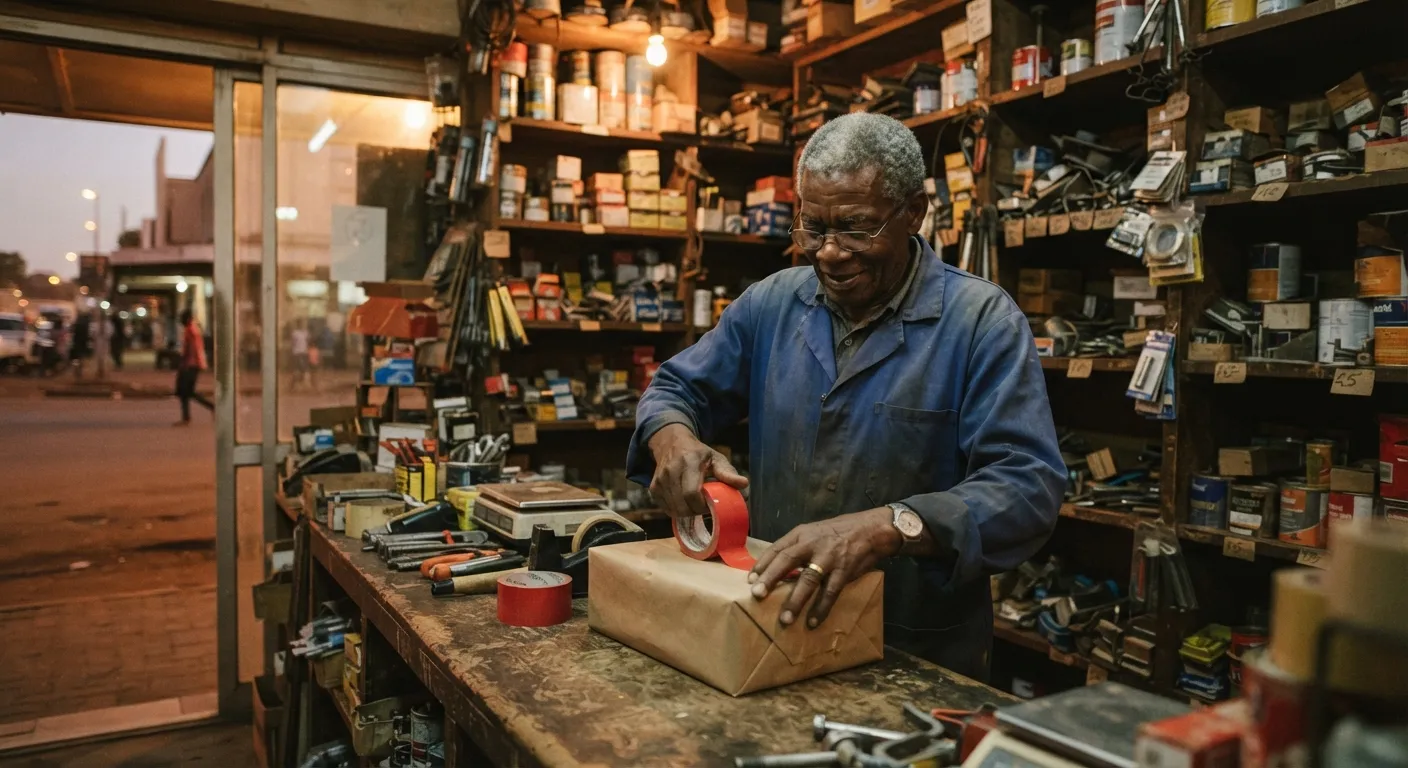
- Is it sealed? A parcel that’s open or falling apart should be fixed before it travels.
- Does it fit? It should match the size the customer chose and fit safely in your box.
- Does it have a name and number? A clear label helps at the other end.
When you have it, confirm collection in the app. The customer gets a notification that the parcel is on its way.
On the road
Ride safely. A delivery is never worth an accident.
- Wear your helmet and protective gear, every trip.
- Keep your phone charged and mounted so you can follow navigation without holding it.
- Protect the parcel from rain and dust by keeping it in your box, closed.
- Keep the parcel upright if it’s marked fragile or might leak.
At the drop-off
Hand the parcel to the receiver, then record proof of delivery: a photo and a signature. The customer is notified when it’s done, and the proof stays with the booking. If the receiver isn’t there or can’t be reached, don’t leave the parcel with someone who isn’t expecting it. Follow the steps in the app and contact us if you need help.
If the customer chose to pay in cash, collect the amount shown in the app.
Earnings and history
The Rider app will show your earnings for the day and the history of jobs you’ve completed, so you can keep track of your work without writing everything down.
What makes a good rider
The riders customers remember are the ones who are polite at the gate, call when they’re close, handle parcels with care and keep the customer informed. Do those things every time and the job gets easier.
Ready to ride?
Join the waitlist as a rider and we’ll let you know as soon as applications open.